Using Airtable's embedded forms feature, you can include forms in RapidWeaver-based Web sites, and store the form submissions directly into an Airtable database. This technique requires Stacks, and specifically the HTML stack.
In this example, I'm using a database that I created using Airtable's Sales CRM template.
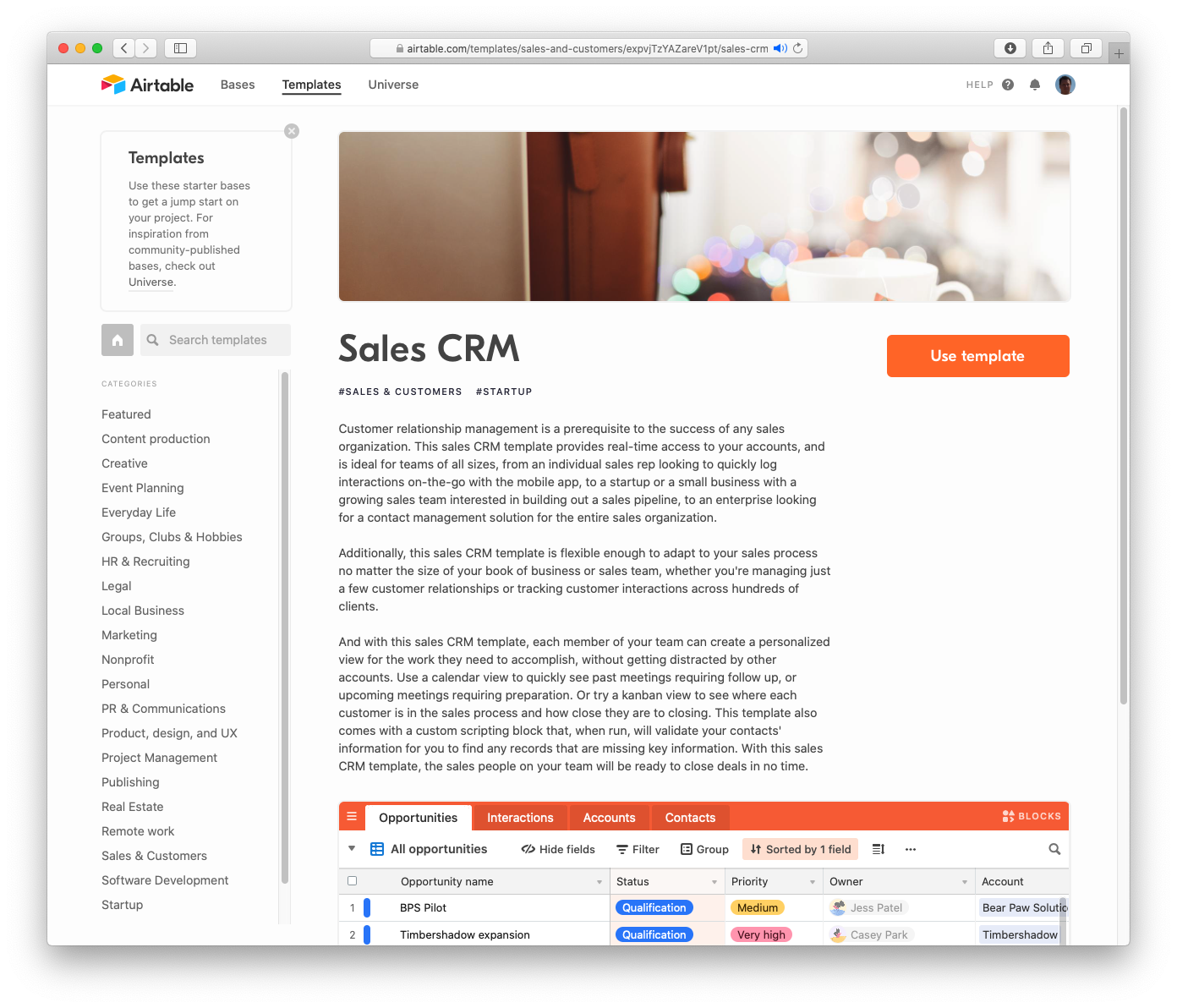
Here's a screenshot of the database.

Add a form view to the table that you want to associate the form with.

Share the new form.
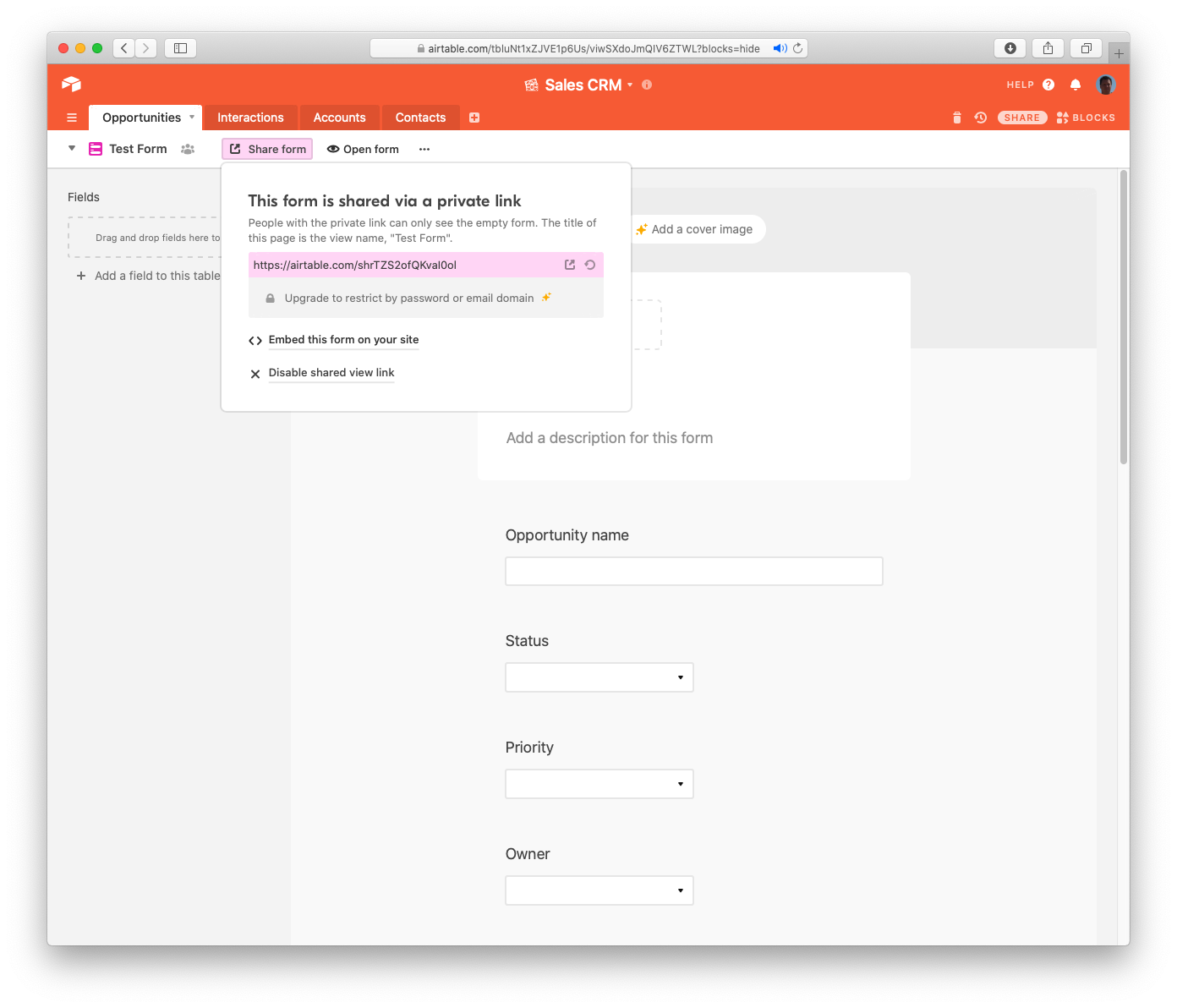
Copy the form's "embed code."

In your RapidWeaver project, add an HTML stack to a Stacks page.
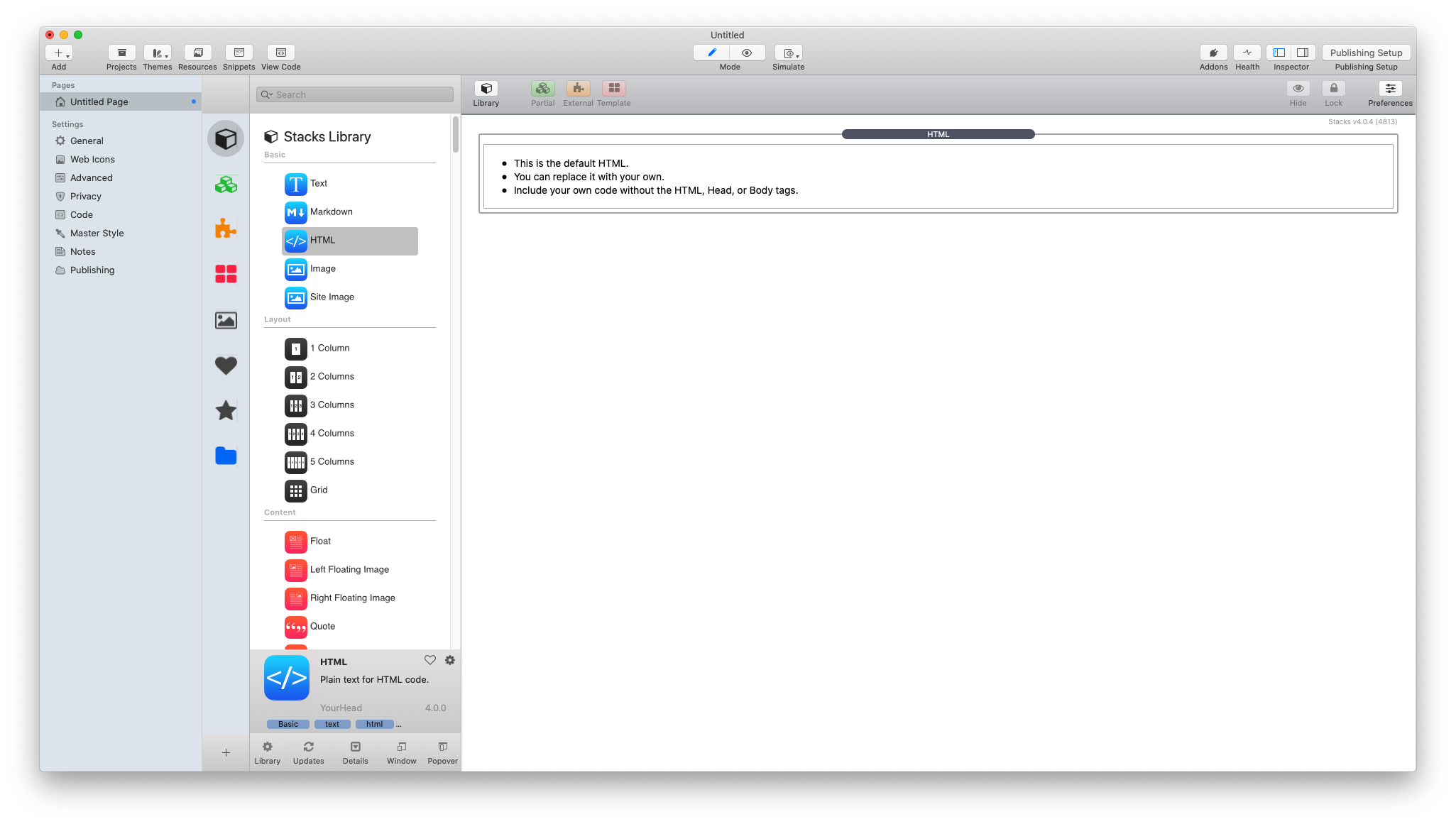
Copy the "embed code" into the HTML stack, and preview the page.
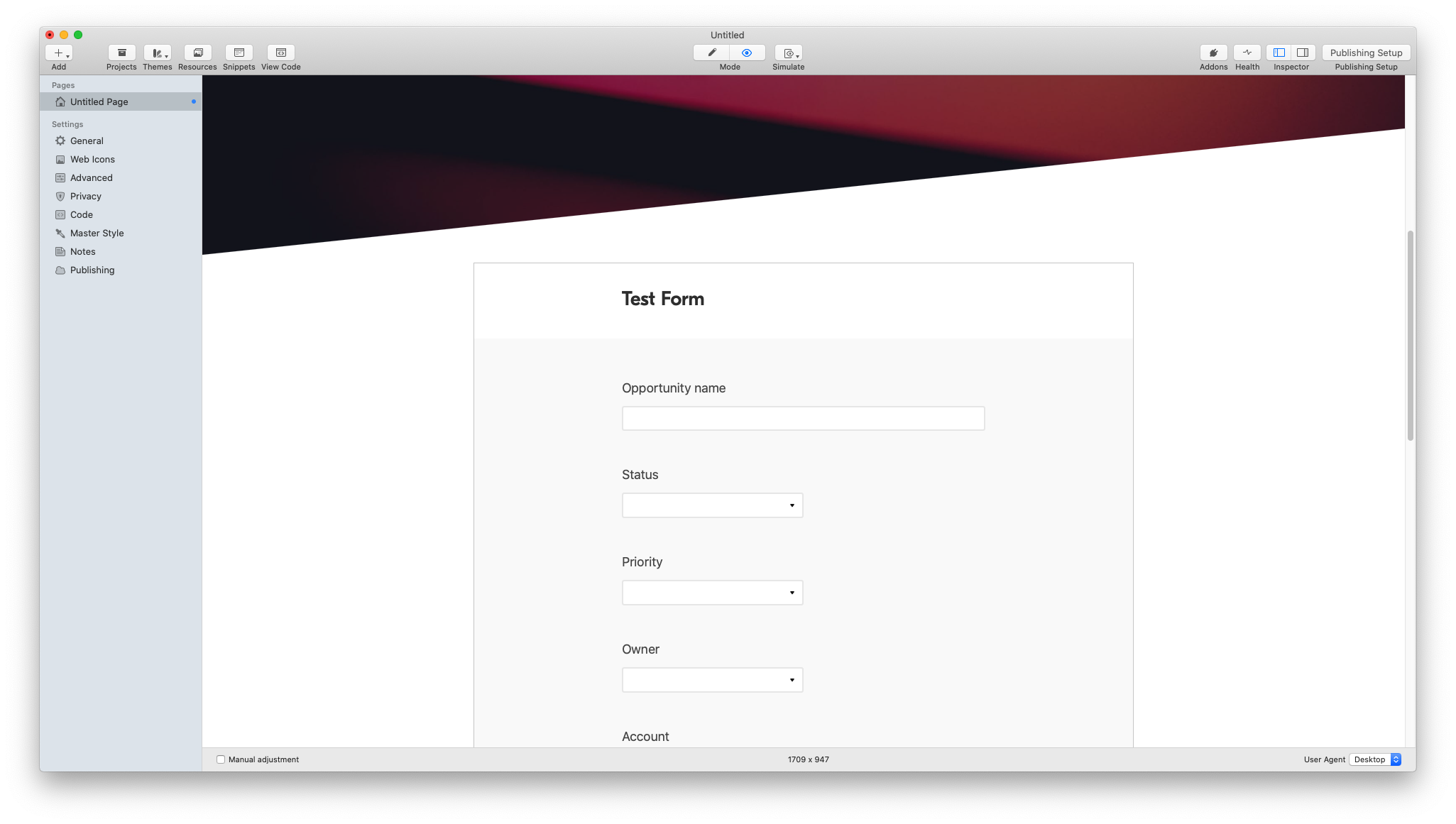
That's all there is to it!
To learn more about Airtable's support for forms, click here.
I hope that you find this technique helpful. If you have any questions about it, please feel free to contact me.